
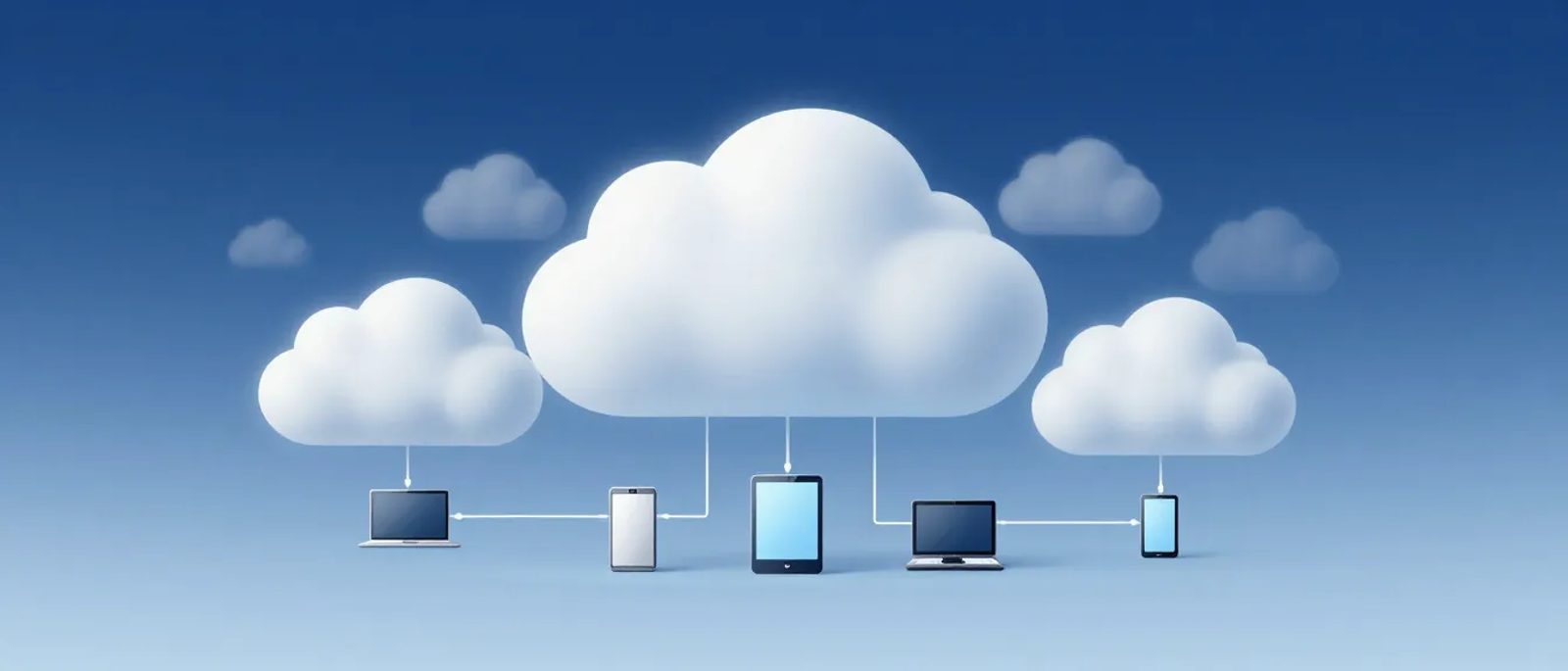

What Is The Cloud, Really?
Let's cut through the mystery: "the cloud" just means someone else's computer.
When you save a file "to the cloud," you're saving it to a computer in a big data centre somewhere, instead of on your own computer. When you use "cloud software," you're using a program that runs on someone else's computer and you access it through the internet.
That's it. No actual clouds involved. Just computers in warehouses, connected to the internet.
The term sounds magical, but it's actually very simple once you understand what it means.
Why Does Everyone Keep Talking About It?
The cloud became a big deal because of three things:
1. You don't need to buy expensive equipment
In the old days, if your business needed a server to store files or run software, you had to buy one. That cost thousands of pounds, needed a room to put it in, and someone to look after it.
With the cloud, you pay a monthly fee instead. Someone else owns the computers, keeps them running, and fixes them when they break.
2. You can access your stuff from anywhere
If your files are on a computer in your office, you can only get to them from your office. If they're in the cloud, you can get to them from anywhere with an internet connection—your home, a coffee shop, your phone on the train.
3. It grows with you
Need more storage? Click a button. Need less? Click another button. You don't have to predict the future and buy equipment that might be too big or too small.
Examples You Already Use
You're probably using the cloud already without realising it:
If you use Gmail, Outlook.com, or Yahoo Mail, your emails are stored in the cloud. They're not on your computer—they're on Google's computers, Microsoft's computers, or Yahoo's computers.
Photos on your phone
When your iPhone backs up to iCloud or your Android backs up to Google Photos, those pictures go to the cloud. If you lose your phone, the photos are still safe somewhere else.
Netflix and Spotify
These services stream content from the cloud. The films and songs aren't stored on your device—they're sent over the internet from computers somewhere else.
Online banking
Your bank balance isn't stored on your phone. The banking app connects to your bank's computers (in the cloud) every time you check.
The Two Main Types of Cloud for Business
Cloud Storage
This is the simplest type: a place to save files that you can access from anywhere.
Examples:
- Microsoft OneDrive (comes with Microsoft 365)
- Google Drive (comes with Google Workspace)
- Dropbox
What it does:
- Stores your documents, spreadsheets, photos, and other files
- Lets you share files with colleagues without emailing attachments
- Automatically backs up your work
- Lets you access files from any device
Cost: Usually £5-15 per person per month, often bundled with email
According to the Federation of Small Businesses, 67% of UK small businesses now use cloud storage. It's become the normal way to handle files.
Cloud Software (SaaS)
SaaS stands for "Software as a Service." Instead of buying software and installing it on your computer, you pay a monthly subscription and use it through your web browser.
Examples:
- Xero or QuickBooks (accounting)
- Slack or Microsoft Teams (communication)
- Mailchimp (email marketing)
- Salesforce or HubSpot (customer management)
What it means for you:
- No need to install or update software—it happens automatically
- Access from any device with a browser
- Usually pay monthly instead of a big upfront cost
- Your data is stored safely somewhere else
According to Gartner, 85% of businesses will be "cloud-first" by 2025, meaning they'll choose cloud software over installed software whenever possible.
Is The Cloud Safe?
This is the question everyone asks. The honest answer: usually safer than doing it yourself.
Big cloud companies like Microsoft, Google, and Amazon spend billions on security. They hire thousands of security experts. They have backup systems for their backup systems.
Most small businesses can't match that. A server in your office cupboard, looked after by whoever drew the short straw, is usually less secure than Microsoft's data centres.
According to the National Cyber Security Centre, cloud services from major providers typically offer better security than most on-premises alternatives for small businesses.
But there are things to think about:
- You need a strong password and two-factor authentication on cloud accounts
- You're trusting the provider with your data—read their security credentials
- Internet outage = no access (though this is rare with good broadband)
- Some industries have rules about where data can be stored—check what applies to you
Should Your Business Move to the Cloud?
For most small businesses, the answer is yes—and you probably already have without a formal decision. If you use Gmail for business, that's cloud. If you use online banking, that's cloud.
The question is usually about the remaining things: files stored on local computers, software installed on individual machines, data in spreadsheets on someone's desktop.
Moving to the cloud makes sense when:
- You want to access work from multiple locations
- You're worried about losing data if a computer dies
- You're tired of managing IT equipment
- You want to share files easily with your team
- You're growing and don't want to keep buying hardware
It might not make sense when:
- You have very slow or unreliable internet
- Your work involves huge files that would be slow to upload/download
- Regulations require you to keep data on your own premises
- You've just invested heavily in local equipment that works fine
The Costs — What to Expect
Cloud services typically cost per user per month. Here are realistic prices for small business needs:
Basic setup (email + files):
- Microsoft 365 Business Basic: £4.90/user/month
- Google Workspace Starter: £5.20/user/month
- These include email, cloud storage, and basic office tools
Standard business setup:
- Microsoft 365 Business Standard: £9.40/user/month
- Google Workspace Business Standard: £9.60/user/month
- Includes desktop apps and more storage
Specialist cloud software:
- Accounting (Xero, QuickBooks): £12-40/month
- CRM (HubSpot, Pipedrive): Free-£50/user/month
- Project management (Asana, Trello): Free-£10/user/month
For a five-person business using email, files, and accounting software, expect to spend roughly £50-100/month total.
Compare this to buying and maintaining your own server (£1,500+ upfront, plus electricity, IT support, and eventual replacement), and cloud usually wins on cost.
Common Cloud Myths
Myth: The cloud isn't secure
Reality: Major cloud providers are more secure than most small business IT setups. The NCSC recommends cloud services for small businesses.
Myth: You lose control of your data
Reality: Your data is still your data. You can download it, delete it, or move it to another service. Read the terms of service to understand your rights.
Myth: The cloud is unreliable
Reality: Major cloud services have better uptime than most office servers. Microsoft 365 guarantees 99.9% availability—that's less than 9 hours of downtime per year.
Myth: It's complicated to set up
Reality: Cloud services are designed to be easy. Creating a Google Workspace account takes about 10 minutes. No technical expertise required.
Myth: You need fast internet
Reality: Most cloud services work fine on standard UK broadband. Uploading large files is slower, but day-to-day work is smooth.
Getting Started — A Simple Approach
Step 1: Start with email (if you haven't already)
Microsoft 365 or Google Workspace gives you cloud email plus file storage. This is the foundation.
Step 2: Move your files
Upload your important documents to OneDrive or Google Drive. Create a shared folder structure for your team.
Step 3: Add specialist software as needed
Once comfortable with cloud basics, consider cloud versions of accounting, customer management, or other tools you use.
Step 4: Phase out local storage
Once everything's in the cloud and backed up, you don't need to keep copies on local computers. The cloud becomes your primary storage.
The Bottom Line
The cloud isn't a complicated technology trend. It's just a simpler way to access computers and software.
For most small businesses, moving to the cloud means:
- Less hassle with IT equipment
- Access to your work from anywhere
- Automatic backups and updates
- Predictable monthly costs instead of big upfront investments
You don't need to understand how it works technically. You just need to know that it's a reliable, affordable way to run your business—and that you're probably using it already.
The question isn't whether to use the cloud. It's how much more of your business could benefit from it.



