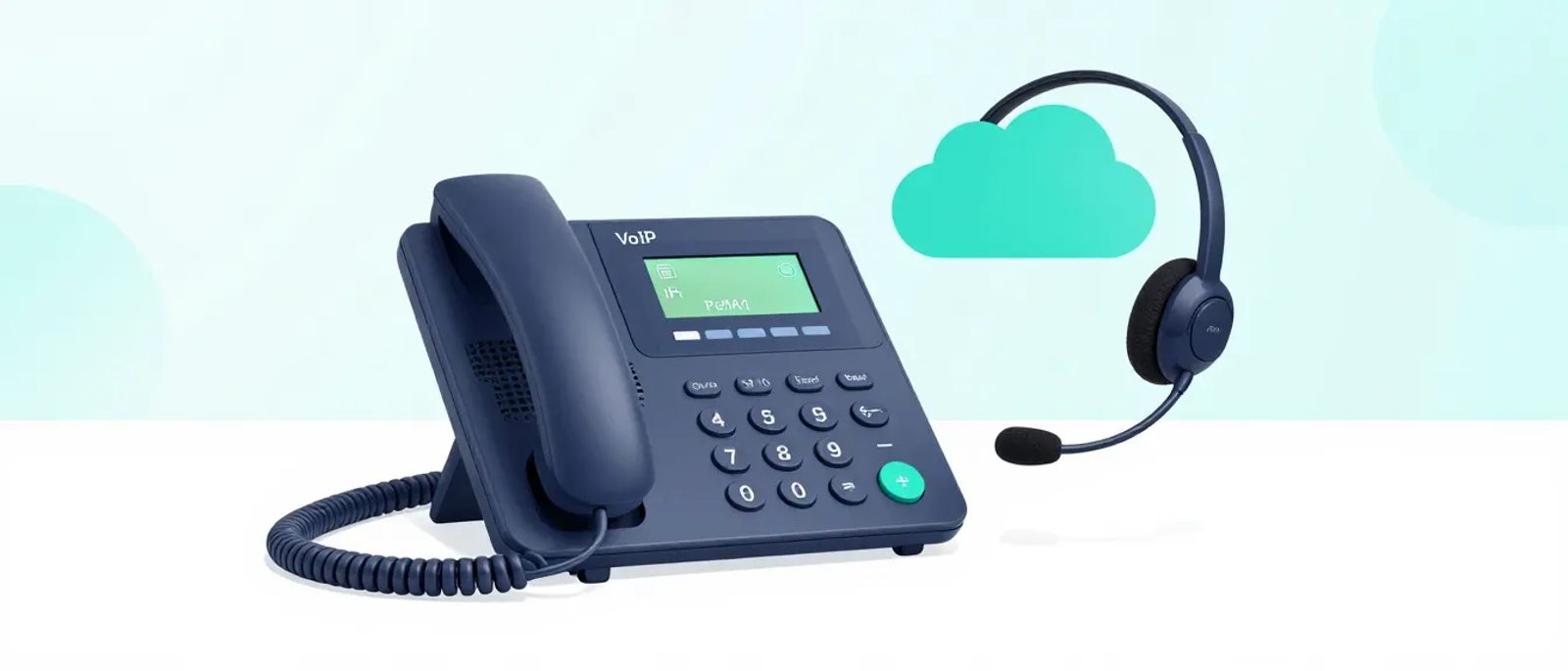

What Is VoIP and Why Does It Matter?
VoIP (Voice over Internet Protocol) routes phone calls over the internet instead of traditional phone lines. For small businesses, this means:
- No more desk phone hardware (use apps on laptops and mobiles)
- Professional features (auto-attendant, call routing, voicemail-to-email)
- UK numbers from anywhere (work from home with your office number)
- Lower costs (especially for international calls)
- Flexibility (add/remove users easily)
The catch: you need reliable internet. But if you're reading this guide online, you've probably got that sorted.
Do You Actually Need a Phone System?
Before investing in VoIP, consider whether you need traditional calling at all:
You might not need a phone system if:
- Clients contact you via email, chat, or video calls
- You use mobile phones for the occasional call
- Your business is entirely digital-first
You probably need a phone system if:
- Clients expect to call a business number
- You need call routing (sales line, support line)
- Professional credibility matters (especially B2B, legal, medical)
- You have a reception/front desk function
- You make/receive high call volumes
How VoIP Works
The Basics
1. Your phone number lives in the cloud with your VoIP provider
2. Calls come in via the internet to their servers
3. You receive calls on apps (desktop, mobile) or VoIP desk phones
4. Outbound calls appear to come from your business number
What You Need
| Component | Options |
|---|---|
| Internet connection | Existing broadband (minimum 100kbps per call) |
| End devices | Software apps (free), VoIP desk phones (£50-300 each) |
| VoIP service | Monthly subscription (see comparison below) |
| UK phone numbers | Included or small monthly fee per number |
Key Features to Consider
Essential Features (All Business Plans Include)
- UK geographic/non-geographic numbers: Local numbers (0161, 0207) or national (0333)
- Auto-attendant: "Press 1 for sales, 2 for support"
- Voicemail: With email delivery of messages
- Call forwarding: Route calls to mobiles when away
- Call transfer: Move calls between colleagues
- Caller ID: Show your business number on outbound calls
- Desktop and mobile apps: Make/receive calls anywhere
Valuable Features (Worth Paying For)
- Call recording: Essential for compliance, useful for training
- Call queues: Hold callers in order when busy
- CRM integration: Log calls automatically in Salesforce, HubSpot, etc.
- Video meetings: Some VoIP systems include this (RingCentral, 8x8)
- SMS from business number: Text clients from your main number
- Analytics: Call volumes, wait times, missed calls
Nice-to-Have Features
- AI transcription: Automatic call summaries
- Sentiment analysis: AI assesses call quality
- Advanced IVR: Complex call routing trees
- Contact centre features: Wallboards, supervisor monitoring
VoIP Provider Comparison
RingCentral MVP
Best for: Growing businesses wanting an all-in-one platform
Pricing: From £7.99/user/month (Essentials)
| Plan | Price | Users | Key Features |
|---|---|---|---|
| Essentials | £7.99 | Up to 20 | Calls, SMS, voicemail |
| Standard | £14.99 | Unlimited | + Video meetings (100), integrations |
| Premium | £19.99 | Unlimited | + Call recording, analytics, CRM integrations |
| Ultimate | £24.99 | Unlimited | + Unlimited storage, device status |
Pros: Feature-rich, excellent mobile app, strong integrations
Cons: Can be complex, cheaper plans are limited
UK support: Yes, UK numbers included
8x8
Best for: Businesses prioritising international calling
Pricing: From £10/user/month
| Plan | Price | Key Features |
|---|---|---|
| X2 | £10 | Voice, video (500), unlimited UK calls |
| X4 | £32 | + Supervisor analytics, call quality management |
| X6 | £90 | + Contact centre features |
Pros: Unlimited international to 48 countries (X4), good video
Cons: Jump from X2 to X4 is steep
UK support: Yes, strong UK presence
Microsoft Teams Phone
Best for: Businesses already using Microsoft 365
Pricing: From £6.80/user/month (add-on to Microsoft 365)
| Plan | Price | Requirement |
|---|---|---|
| Teams Phone Standard | £6.80 | M365 license + calling plan |
| Calling Plan (UK domestic) | £9.50 | 3000 minutes pooled |
| Calling Plan (International) | £19.50 | Domestic + international |
Pros: Integrated with Teams (one app for everything), familiar interface
Cons: Requires Microsoft 365, calling plans add cost, some features less mature
UK support: Yes, via Microsoft 365
Zoom Phone
Best for: Businesses already using Zoom
Pricing: From £8/user/month
| Plan | Price | Key Features |
|---|---|---|
| Metered | £8 | Pay-per-minute calling |
| Unlimited (UK & Ireland) | £12 | Unlimited domestic |
| Pro Global Select | £16 | Unlimited to one country |
Pros: Simple interface, integrates with Zoom Meetings
Cons: Calling costs extra on metered plan, fewer advanced features
UK support: Yes, UK numbers available
Others Worth Considering
Vonage Business - From £9/user/month
- Strong API capabilities
- Good for businesses wanting custom integrations
GoTo Connect - From £10/user/month
- Simple interface
- Combines phone and meetings
3CX - Free (self-hosted) or from £1.35/user/month (hosted)
- Very cost-effective
- More technical to set up
Aircall - From £30/user/month
- Designed for sales and support teams
- Excellent CRM integrations
Cost Comparison: Traditional vs VoIP
Traditional Phone System (10 Users)
| Item | Cost |
|---|---|
| PBX hardware | £2,000-5,000 (one-off) |
| Desk phones (10) | £500-1,500 (one-off) |
| Installation | £500-1,000 (one-off) |
| Line rental (4 lines) | £60/month |
| Call charges | £50-100/month |
| Maintenance contract | £50/month |
| Monthly total | £160-210 |
| First year total | £5,000-10,000 |
VoIP System (10 Users)
| Item | Cost |
|---|---|
| VoIP service | £100-200/month |
| Desk phones (optional) | £0-1,500 (one-off) |
| Headsets | £200-500 (one-off) |
| Monthly total | £100-200 |
| First year total | £1,400-4,000 |
Typical savings: 50-70% in first year, ongoing savings after.
Choosing the Right System
If You Use Microsoft 365
Recommendation: Start with Teams Phone
- Already integrated with your email and calendar
- One app for chat, video, and calls
- Familiar interface for staff
- Cost-effective if you have M365 Business Voice
If You Use Google Workspace
Recommendation: Consider RingCentral or 8x8
- Google Voice is limited in the UK
- RingCentral/8x8 have good Google integrations
- Or accept separate phone and productivity platforms
If International Calls Are Significant
Recommendation: 8x8 X4
- Unlimited calling to 48 countries included
- No surprise international bills
- Good for businesses with overseas clients/suppliers
If You're a Small Team (Under 10)
Recommendation: RingCentral Essentials or 3CX
- RingCentral Essentials is simple and affordable
- 3CX is very cheap if you're technically capable
If You're Scaling Fast
Recommendation: RingCentral or 8x8
- Add users instantly
- Enterprise features available when needed
- Good analytics for growing teams
Number Porting: Keeping Your Existing Number
You can usually keep your existing business number when switching to VoIP:
1. Request port from new VoIP provider
2. Provide details of current provider
3. Authorisation via current provider
4. Port completes (typically 10-20 working days in UK)
5. Old service cancelled automatically
Important: Don't cancel your old service until port completes, or you'll lose the number.
Hardware Options
Softphone Only (No Desk Phones)
Pros:
- No hardware cost
- Works on existing computers/mobiles
- Most flexible
Cons:
- Requires headset for quality
- Battery/app issues on mobile
- Some staff prefer physical phones
VoIP Desk Phones
Budget (£50-80): Yealink T31, Grandstream GRP2612
- Basic calling, acceptable quality
- Good for occasional use
Mid-range (£80-150): Yealink T43U, Poly VVX 250
- Better audio, more features
- Good for daily use
Premium (£150-300): Yealink T54W, Poly VVX 450
- Colour screens, Bluetooth, Wi-Fi
- Executive desks, high call volume
Headsets
For softphone use, a good headset matters:
Budget (£30-50): Jabra Evolve2 30, Poly Blackwire 3200
Mid-range (£80-150): Jabra Evolve2 55, Poly Voyager Focus 2
Premium (£200+): Jabra Evolve2 85, Poly Voyager Focus 2 UC
Wireless headsets are worth the premium for people who move around.
Common VoIP Pitfalls
Pitfall 1: Inadequate Internet
Each call uses 100-150kbps. Not a problem for most connections, but:
- Check your upload speed (often lower than download)
- Consider QoS settings on router to prioritise voice
- Have a backup plan (mobile failover)
Pitfall 2: Ignoring Call Quality
Cheapest isn't always best. Poor call quality damages professional reputation. Test before committing.
Pitfall 3: Forgetting Mobile Workers
Mobile apps vary in quality. Test specifically for:
- Background operation (does it ring when phone is locked?)
- Battery impact
- Switching between Wi-Fi and mobile data
Pitfall 4: Underestimating Setup
VoIP is simpler than traditional systems but still needs thought:
- Auto-attendant scripts
- Call routing rules
- Voicemail greetings
- Number assignment
- User training
Pitfall 5: No Emergency Call Plan
VoIP 999 calls work but location reporting can be imprecise. Ensure:
- Registered address is accurate
- Staff know to state location clearly
- Consider mobile phones as 999 backup
Authority Resources
- Ofcom VoIP Guidance: ofcom.org.uk/phones-telecoms-and-internet/advice-for-consumers/voip - UK regulator information
- ICO Phone Recording: ico.org.uk/your-data-matters/be-data-aware/recording-and-monitoring-phone-calls - Legal requirements for call recording in UK
- Ofcom 999 and VoIP: ofcom.org.uk/phones-telecoms-and-internet/advice-for-consumers/advice/emergency-calls - Emergency calling information
Implementation Checklist
Before Signing Up
- [ ] Assessed whether you need a phone system
- [ ] Tested internet speed and stability
- [ ] Listed required features
- [ ] Compared 2-3 providers
- [ ] Requested trials/demos
During Setup
- [ ] Planned number porting (if keeping numbers)
- [ ] Designed call routing/auto-attendant
- [ ] Ordered any hardware needed
- [ ] Created user accounts
- [ ] Tested internally before going live
Going Live
- [ ] Trained users on apps and features
- [ ] Updated website/materials with new numbers
- [ ] Confirmed port completion
- [ ] Cancelled old service (only after port!)
- [ ] Documented admin procedures
Getting Started This Week
Day 1: Audit current phone usage (volume, features used, pain points)
Day 2: Determine requirements (users, features, budget)
Day 3: Sign up for trials of 2-3 providers
Day 4-5: Test thoroughly (call quality, apps, features)
Week 2: Choose provider, plan implementation
Week 3-4: Set up, port numbers, train staff, go live
VoIP isn't complicated, but taking time to choose right and set up properly ensures you get a system your team actually uses effectively.