
What Is Self-Hosted Software?
Self-hosted software runs on computers you control rather than on someone else's servers.
Instead of paying Dropbox monthly for file sync, you run Nextcloud on your own server. Instead of paying for Slack, you run Mattermost. Instead of paying for a project management subscription, you run OpenProject.
The software is often free. You provide the computer to run it on.
The trade-off: You handle setup, maintenance, and security. In exchange, you get:
- No ongoing subscription fees
- Full control over your data
- Customisation options
- Independence from vendor decisions
Why Consider Self-Hosting?
Cost Savings
Cloud services charge per user per month, forever. A 10-person company using various cloud tools might spend £200-500/month on subscriptions.
Self-hosted alternatives often cost nothing for software, just the electricity and hardware to run them.
Example: File sync and share
- Dropbox Business: £10/user/month × 10 users = £1,200/year
- Nextcloud on a £400 server: £0/year software, ~£50/year electricity
Over 5 years: Dropbox = £6,000. Self-hosted = £650 total.
Data Control
Your data stays on your premises. You know exactly where it is, who can access it, and it never travels through third-party servers.
For businesses handling sensitive information—legal, medical, financial—this can simplify compliance and reassure clients.
Independence
Cloud providers change features, raise prices, or shut down services. When you self-host, you decide what changes.
Remember when Google killed Google Reader? When Slack changed its free tier? Self-hosted software continues working regardless of vendor decisions.
Customisation
Cloud services offer what they offer. Self-hosted software is often configurable and sometimes modifiable. You can adapt it to your specific needs.
The Best Self-Hosted Alternatives
Nextcloud (replaces Google Drive, Dropbox, OneDrive)
What it does:
- File sync across devices
- File sharing with links or user accounts
- Collaborative document editing (with Collabora or OnlyOffice)
- Calendar, contacts, tasks
- Video calls (Talk app)
- Hundreds of additional apps
Why it's good:
Nextcloud is mature, well-documented, and has a large community. It's probably the most popular self-hosted application for businesses.
Requirements:
- Small server or NAS (2GB RAM minimum, 4GB+ recommended)
- Works on Linux, also available for Synology/QNAP NAS
Website: nextcloud.com
Mattermost (replaces Slack, Microsoft Teams)
What it does:
- Team messaging and channels
- Direct messages
- File sharing
- Integrations with other tools
- Video calls (in newer versions)
Why it's good:
Mattermost looks and feels like Slack. Teams can switch with minimal retraining. The self-hosted version is free for unlimited users.
Requirements:
- Moderate server (4GB RAM recommended)
- PostgreSQL database
Website: mattermost.com
OpenProject (replaces Jira, Asana, Monday.com)
What it does:
- Project planning and tracking
- Gantt charts
- Agile boards (kanban, scrum)
- Time tracking
- Wiki documentation
Why it's good:
Full-featured project management that rivals expensive commercial tools. The Community Edition is free.
Requirements:
- Small to moderate server
- Available as Docker container for easy deployment
Website: openproject.org
Gitea (replaces GitHub, GitLab for private repos)
What it does:
- Git repository hosting
- Issue tracking
- Pull requests and code review
- CI/CD pipelines (with plugins)
Why it's good:
Lightweight and fast. Much less resource-hungry than GitLab. Perfect for small teams wanting private code hosting.
Requirements:
- Very lightweight (runs on Raspberry Pi)
- Simple installation
Website: gitea.io
Bitwarden (replaces LastPass, 1Password)
What it does:
- Password management
- Secure password sharing
- Browser extensions
- Mobile apps
Why it's good:
Bitwarden offers an official self-hosted option. Security audited, open source, and compatible with all official clients.
Requirements:
- Minimal resources
- Vaultwarden is a lighter unofficial compatible server
Website: bitwarden.com
Paperless-ngx (replaces document management services)
What it does:
- Scans and organises documents
- OCR (reads text from scanned documents)
- Tagging and searching
- Automatic organisation based on content
Why it's good:
Turns paper into searchable digital archives. Excellent for going paperless while keeping everything organised and findable.
Requirements:
- Moderate resources (OCR is CPU-intensive)
- Works well with document scanners
Website: github.com/paperless-ngx
Invoice Ninja (replaces FreshBooks, Wave)
What it does:
- Create and send invoices
- Track expenses
- Accept payments
- Time tracking
- Client portal
Why it's good:
Professional invoicing for free. The self-hosted version has all features unlocked.
Requirements:
- Basic web server
- PHP and MySQL
Website: invoiceninja.com
BookStack (replaces Confluence, Notion for documentation)
What it does:
- Wiki-style documentation
- Books, chapters, pages hierarchy
- Search and tagging
- Permissions and access control
Why it's good:
Simple, clean, and easy to use. Perfect for internal documentation, procedures, and knowledge bases.
Requirements:
- Basic web server
- PHP and MySQL
Website: bookstackapp.com
What You Need to Self-Host
Hardware Options
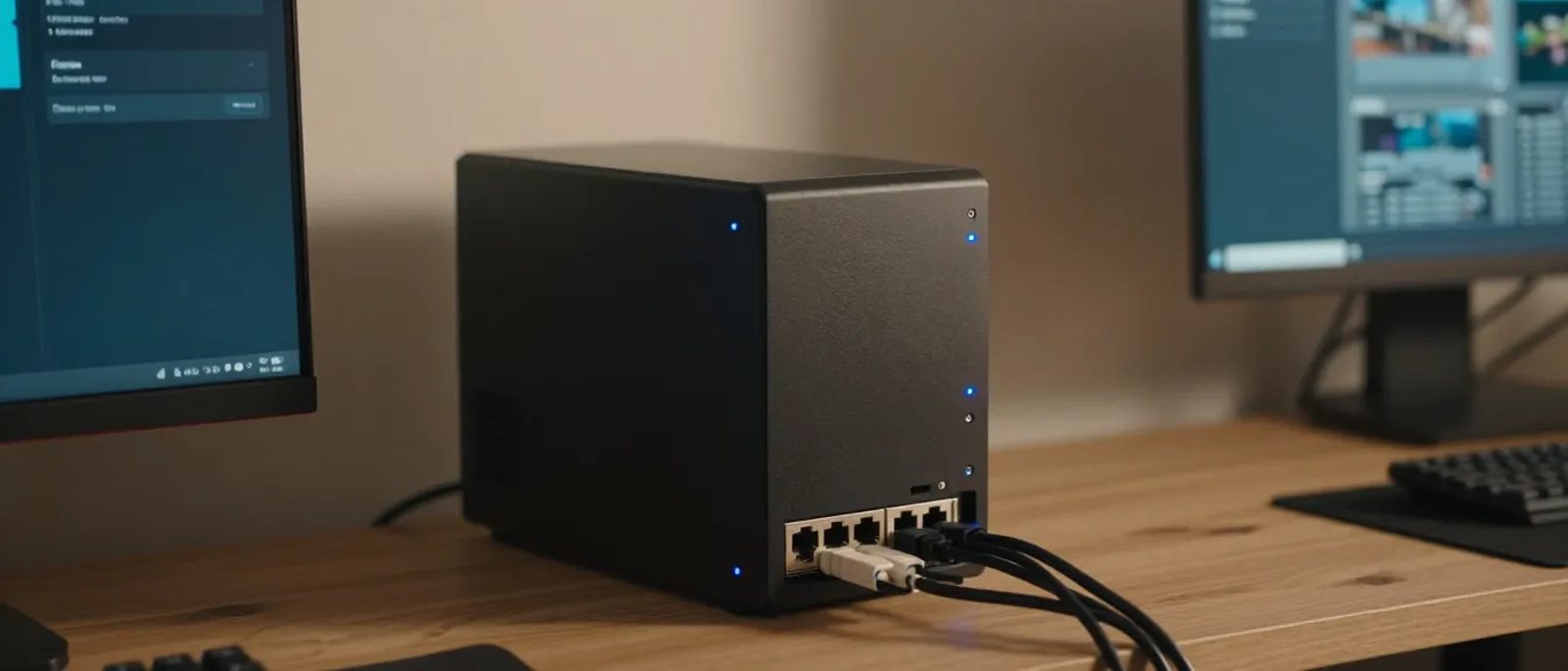
Option 1: NAS device (£300-600)
Synology and QNAP NAS devices can run many self-hosted applications directly. Good for:
- Nextcloud
- Simple web applications
- File-based tools
Option 2: Small server or old PC (£200-500)
A mini PC or repurposed desktop running Linux. More powerful than NAS, handles:
- Multiple applications
- Databases
- Docker containers
Option 3: Virtual Private Server (£5-30/month)
Cloud VPS for self-hosted software. Not truly self-hosted (it's on someone else's hardware), but you control the software:
- No hardware to maintain
- Accessible from anywhere
- Good for starting out
Software Foundation
Operating system: Linux (Ubuntu Server is most beginner-friendly)
Container platform: Docker makes running multiple applications much easier
Reverse proxy: Traefik or Nginx Proxy Manager to manage web access securely
Skills Required
Be honest about skill levels:
Beginner (NAS apps, basic setup):
- Following documentation
- Basic networking concepts
- Willingness to troubleshoot
Intermediate (Docker, multiple apps):
- Linux command line basics
- Understanding of networking
- Docker concepts
Advanced (complex setups, security):
- System administration
- Security hardening
- Backup strategies
Getting Started — Step by Step
Step 1 — Choose Your Platform
Easiest: Synology/QNAP NAS with built-in package centre
Flexible: Mini PC with Ubuntu Server and Docker
No hardware: VPS from DigitalOcean, Linode, or Vultr
Step 2 — Start with One Application
Don't try to replace everything at once. Pick one:
- Files and sync: Nextcloud
- Team chat: Mattermost
- Documentation: BookStack
Get one working well before adding more.
Step 3 — Learn Docker (If Applicable)
Docker makes running self-hosted software much easier:
```bash
Example — Run BookStack with Docker Compose
version: '3'
services:
bookstack:
image: linuxserver/bookstack
environment:
- DB_HOST=bookstack_db
- DB_DATABASE=bookstack
- DB_USERNAME=bookstack
- DB_PASSWORD=secret
ports:
- "6875:80"
volumes:
- ./bookstack_data:/config
depends_on:
- bookstack_db
bookstack_db:
image: mysql:8.0
environment:
- MYSQL_ROOT_PASSWORD=secret
- MYSQL_DATABASE=bookstack
- MYSQL_USER=bookstack
- MYSQL_PASSWORD=secret
volumes:
- ./bookstack_db:/var/lib/mysql
```
Save this as `docker-compose.yml` and run `docker-compose up -d`. That's it.
Step 4 — Set Up Secure Access
Never expose services directly to the internet without:
- HTTPS encryption (Let's Encrypt is free)
- Strong passwords
- VPN for admin access
- Firewall rules limiting access
Step 5 — Implement Backup
Self-hosted means self-backed-up. Plan for:
- Regular automated backups
- Off-site backup copy
- Tested restore procedures
Security Considerations
Self-hosting means self-securing. Take this seriously.
Keep software updated: Apply security patches promptly. Many Docker images can auto-update with tools like Watchtower.
Use strong authentication: Long passwords, two-factor authentication where supported.
Limit exposure: Use a VPN for admin access. Only expose what needs to be public.
Monitor for problems: Check logs. Set up alerts for failures.
Have a response plan: If something is compromised, how do you detect it? How do you respond?
The Honest Downsides
Time investment: Setup takes hours or days, not minutes. Maintenance is ongoing.
Responsibility: When things break, it's on you. No support ticket to raise.
Learning curve: Each application has its own quirks to learn.
Potential for mistakes: Misconfiguration can create security vulnerabilities.
Opportunity cost: Is your time better spent on core business activities?
When Self-Hosting Makes Sense
Good candidates for self-hosting:
- Technical teams comfortable with Linux
- Businesses with specific data residency needs
- Companies with predictable, stable requirements
- Those with significant subscription costs to eliminate
- Hobbyists and learners
Maybe stick with cloud services if:
- Nobody on staff has technical inclination
- Reliability is critical and downtime is expensive
- Compliance requires vendor certifications
- You value simplicity over savings
Hybrid Approaches
You don't have to self-host everything:
- Self-host file storage but use cloud email
- Self-host documentation but use cloud project management
- Self-host internally, cloud for customer-facing services
Choose based on value: where are your biggest subscription costs? What's most important to control?
The Bottom Line
Self-hosted software lets you escape the subscription treadmill and take control of your tools and data.
The trade-off is time and technical effort. For businesses with the inclination and capability, the savings are substantial and the independence is valuable.
Start small. Try one application. See if self-hosting fits your business.
The software is free. The skills are learnable. The only question is whether the trade-off makes sense for you.