
The Harsh Truth About Printing
Before we talk about which printer to buy, let's address the elephant in the room: do you actually need to print?
The pandemic forced many businesses to go paperless, and many discovered they didn't miss paper at all. Before investing in printing equipment, honestly assess:
- What do you actually print? Track it for a month
- Could it be digital? E-signatures, digital forms, cloud storage
- Who requires paper? Often it's habit, not necessity
- What's the real cost? Including paper, ink, maintenance, storage
If you do need to print, read on. But printing less is almost always cheaper than printing more efficiently.
Understanding Your Actual Needs
Monthly Print Volume
This drives everything else:
| Monthly Volume | Printer Type | Price Range |
|---|---|---|
| Under 100 pages | Consider not buying; use a print shop | £0 |
| 100-500 pages | Inkjet or entry laser | £100-250 |
| 500-2,000 pages | Mid-range laser | £250-500 |
| 2,000-10,000 pages | Business laser | £500-1,500 |
| 10,000+ pages | Managed print service or lease | Varies |
Colour vs Mono
Be honest about colour needs:
- Mono (black and white): Contracts, invoices, internal documents, drafts
- Colour: Marketing materials, presentations, client-facing documents
Colour costs 3-5x more per page than mono. Many offices buy colour "just in case" but print 90% black and white. Consider a mono laser plus occasional professional colour printing.
Multifunction vs Single-Purpose
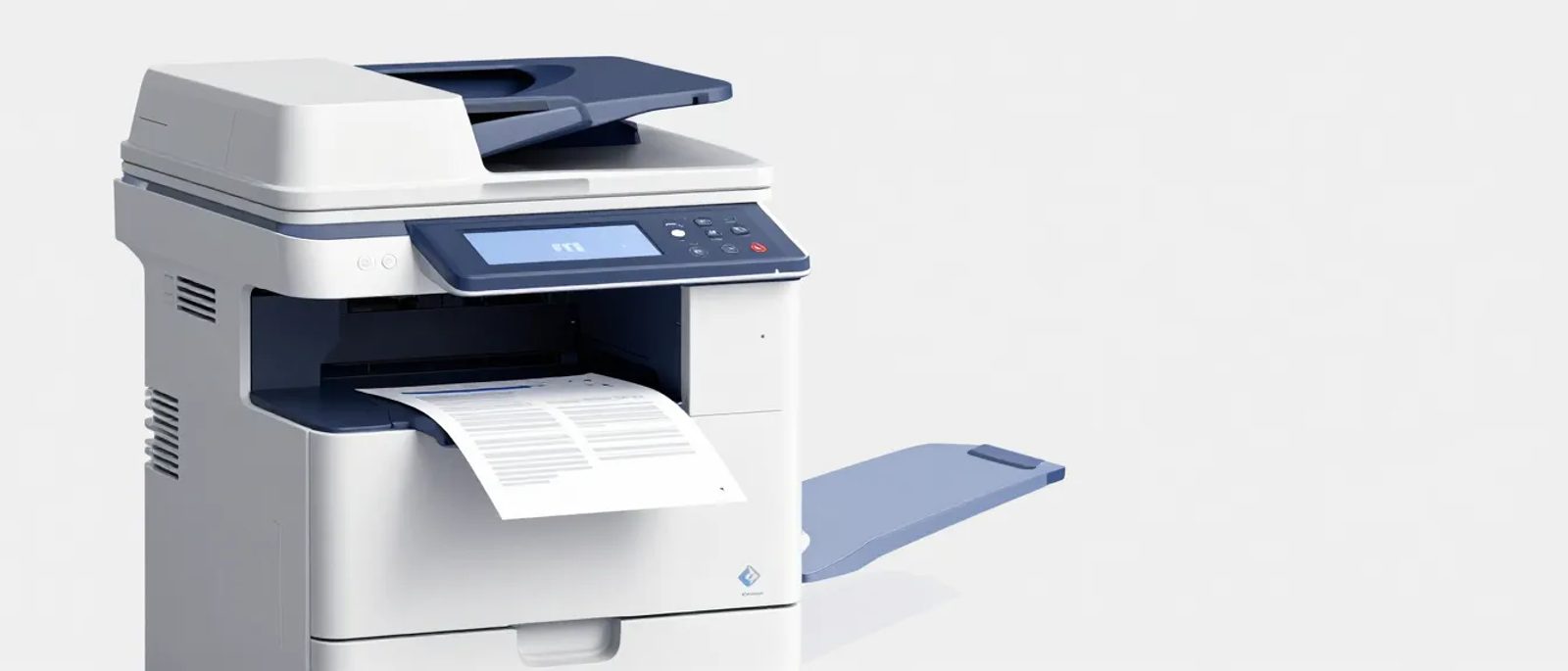
A multifunction printer (MFP) combines print, scan, copy, and sometimes fax:
Multifunction pros:
- Single device, less desk space
- One set of supplies to manage
- Integrated scanning to email/cloud
- Usually good value per function
Multifunction cons:
- If it breaks, you lose everything
- Scanner may not be as good as dedicated unit
- Bigger, heavier
Our recommendation: For most small offices, a good multifunction device makes sense. Add a separate scanner only if you have high-volume or specialist scanning needs.
Inkjet vs Laser — The Real Differences
Inkjet Printers
How they work: Spray liquid ink onto paper
Good for:
- Low print volumes
- Photo printing
- Occasional colour
- Smaller budgets upfront
Watch out for:
- Ink dries out if unused (expensive waste)
- Higher cost per page
- Slower for large jobs
- Ink cartridge traps (see below)
Laser Printers
How they work: Fuse toner powder onto paper with heat
Good for:
- Higher volumes
- Text documents
- Speed
- Lower cost per page
Watch out for:
- Higher upfront cost
- Not great for photo printing
- Toner cartridges are expensive (but last longer)
Tank Printers (EcoTank, MegaTank)
A newer option: inkjets with refillable tanks instead of cartridges.
Good for:
- Medium volumes (1,000-3,000 pages/month)
- Colour printing
- Those tired of cartridge games
Watch out for:
- Higher upfront cost (£200-400)
- Still inkjet limitations (slower, prints can smudge if wet)
The Hidden Cost Trap — Ink and Toner
Printer companies make money on consumables, not printers. A £50 printer might cost £500/year in ink. This is the business model.
Cost Per Page (Real Examples)
| Printer Type | Device Cost | Mono Page Cost | Colour Page Cost |
|---|---|---|---|
| Cheap inkjet | £50 | 5-10p | 15-25p |
| Mid inkjet | £150 | 3-6p | 8-15p |
| Tank inkjet | £250-400 | 0.3-0.5p | 1-2p |
| Mono laser | £150-300 | 1-3p | N/A |
| Colour laser | £300-600 | 2-3p | 8-15p |
The maths over 2 years (1,000 pages/month, mixed mono/colour):
| Option | Device | Ink/Toner | Total |
|---|---|---|---|
| Cheap inkjet | £50 | £3,600 | £3,650 |
| Mid laser | £400 | £720 | £1,120 |
| Tank inkjet | £350 | £360 | £710 |
The cheap printer costs three times as much to run.
Avoiding Ink Traps
Subscription schemes (HP Instant Ink, Epson ReadyPrint):
- Can save money IF you print regularly
- Often trap you with overage charges
- Can disable printing if you cancel
- Read the terms carefully
Third-party cartridges:
- Often 50-80% cheaper
- Quality varies significantly
- May void warranty
- Manufacturers increasingly block them
Refillable/continuous ink systems:
- Cheapest per page
- Some setup required
- Not available for all printers
- Can void warranty
When to Buy vs Lease
Buying Makes Sense When —
- Print volume under 5,000 pages/month
- You want to control your own supplies
- You have IT capability for maintenance
- Cash flow is healthy
- You prefer ownership
Leasing/Managed Print Makes Sense When —
- Print volume over 5,000 pages/month
- You want predictable monthly costs
- You need service and maintenance included
- You want someone else to manage supplies
- You're upgrading multiple devices
Managed Print Services
For higher volumes, consider a managed print service (MPS):
What's included:
- Device(s) provided (lease or hire)
- All toner and supplies
- Maintenance and repairs
- Automatic supply ordering
- Usage monitoring
Typical costs: £0.01-0.03 per mono page, £0.05-0.10 per colour page, all-in.
Providers: Kyocera, Ricoh, Canon, Xerox, Konica Minolta, local dealers
Watch out for:
- Long contracts (3-5 years)
- Minimum volume commitments
- Early termination fees
- Auto-renewal clauses
- Per-page costs above quoted amounts
Recommended Printers by Need
Low Volume Mono (Under 500 pages/month)
Brother HL-L2350DW - Around £120
- Compact mono laser
- Wi-Fi and mobile printing
- Duplex (double-sided)
- Approx 1.5p per page
Low Volume Colour
Epson EcoTank ET-2850 - Around £250
- Refillable tanks, very low running costs
- Print, scan, copy
- Wi-Fi
- Approx 0.5p mono, 1.5p colour per page
Medium Volume Business
Brother MFC-L3760CDW - Around £400
- Colour laser multifunction
- Good speed (26 ppm)
- Network/Wi-Fi
- Approx 2p mono, 7p colour per page
Higher Volume / Workgroup
HP LaserJet Pro MFP 4102dw - Around £500
- Fast mono laser multifunction
- Large paper capacity
- Excellent duplex
- Good for small workgroups
Xerox C315 - Around £400
- Colour laser multifunction
- Solid build quality
- Good for shared use
High Volume / Office Floor
At this level (5,000+ pages/month), look at:
- Canon imageRUNNER series
- Kyocera ECOSYS series
- Ricoh IM series
- Xerox VersaLink series
Prices £800-2,000+. Consider managed print at this volume.
Scanners — When You Need More Than MFP
When to Add a Dedicated Scanner
- Scanning more than 50 pages daily
- Needing to scan thick/fragile documents
- Requiring OCR (optical character recognition) for searchable PDFs
- Processing business cards, receipts, or odd sizes
- Multi-user scanning requirements
Scanner Types
Flatbed: Like a photocopier lid. Good for books, fragile items, odd shapes. Slow for volume.
Sheet-fed (ADF): Feeds pages through automatically. Fast for stacks of paper. Can't do books or thick items.
Combination: Flatbed with automatic document feeder (ADF). Best of both worlds.
Recommended Scanners
Light Duty (Under £200):
- Fujitsu ScanSnap iX1300 - £270 - excellent software, compact
- Brother ADS-1200 - £180 - good value, portable
Medium Duty (£200-500):
- Fujitsu ScanSnap iX1600 - £380 - touchscreen, fast, cloud integration
- Epson ES-580W - £350 - wireless, good for workgroups
High Duty (£500+):
- Fujitsu fi-8170 - £700+ - professional, high volume
- Brother ADS-4900W - £600 - network scanner, excellent for shared use
Common Pitfalls to Avoid
Pitfall 1 — Ignoring Running Costs
That £80 printer will cost you £400/year in ink if you print regularly. Calculate total cost of ownership.
Pitfall 2 — Buying for Peak Use
Don't buy a high-volume printer because you once printed 500 pages for a board meeting. Use a print shop for occasional large jobs.
Pitfall 3 — Over-Specifying
"We might need colour" → Buy mono, use print shop for colour
"We might need to print A3" → A4 handles 99% of needs
"We might need fax" → You won't
Pitfall 4 — Forgetting About Paper
Paper costs add up:
- Standard A4: £3-5 per ream (500 sheets)
- Premium white: £5-8 per ream
- Coloured/specialty: Much more
At 2,000 pages/month, paper alone costs £150-200/year.
Pitfall 5 — Ignoring Placement
Printers are noisy and generate heat. Don't put them:
- Right next to someone's desk
- In enclosed cupboards (ventilation)
- Far from where printing happens
Pitfall 6 — Not Securing the Printer
Printers are network devices with storage, processing power, and access to sensitive documents. Security steps:
- Change default admin password
- Enable authentication for scanning to email
- Consider secure print (require PIN at device)
- Update firmware regularly
- Disable unused features (FTP, direct port access)
Authority Resources
For printer security guidance:
- NCSC Printer Security Guidance: ncsc.gov.uk/guidance/printer-security - UK government security recommendations for printers
- Business Waste Regulations: gov.uk/guidance/waste-electrical-and-electronic-equipment-weee - WEEE compliance for disposing of old equipment
Decision Checklist
Before Buying
- [ ] Tracked actual monthly print volume
- [ ] Identified colour vs mono needs honestly
- [ ] Calculated total cost of ownership (device + supplies + paper)
- [ ] Considered going paperless for some processes
- [ ] Checked if managed print makes sense at your volume
When Buying
- [ ] Chosen device appropriate for actual volume
- [ ] Checked cost per page, not just device price
- [ ] Verified connectivity options (Wi-Fi, network, mobile)
- [ ] Confirmed paper sizes and capacity meet needs
- [ ] Read reviews for reliability issues
After Buying
- [ ] Changed default admin password
- [ ] Set up scanning to email/cloud
- [ ] Configured network settings securely
- [ ] Set up supplies monitoring/ordering
- [ ] Trained staff on basic features
Getting Started This Week
Day 1: Track your actual printing for the next month (enable print logging or just count)
Day 2: Identify what could go paperless (signatures, forms, archives)
Day 3: Calculate current printing costs if you have a printer
Day 4: Research options matching your actual volume
Day 5: Get quotes including running costs
Printing is mundane but unavoidable for most businesses. Getting the right equipment at the right price saves ongoing frustration and expense. The cheapest printer is often the most expensive choice.