
The Human Firewall
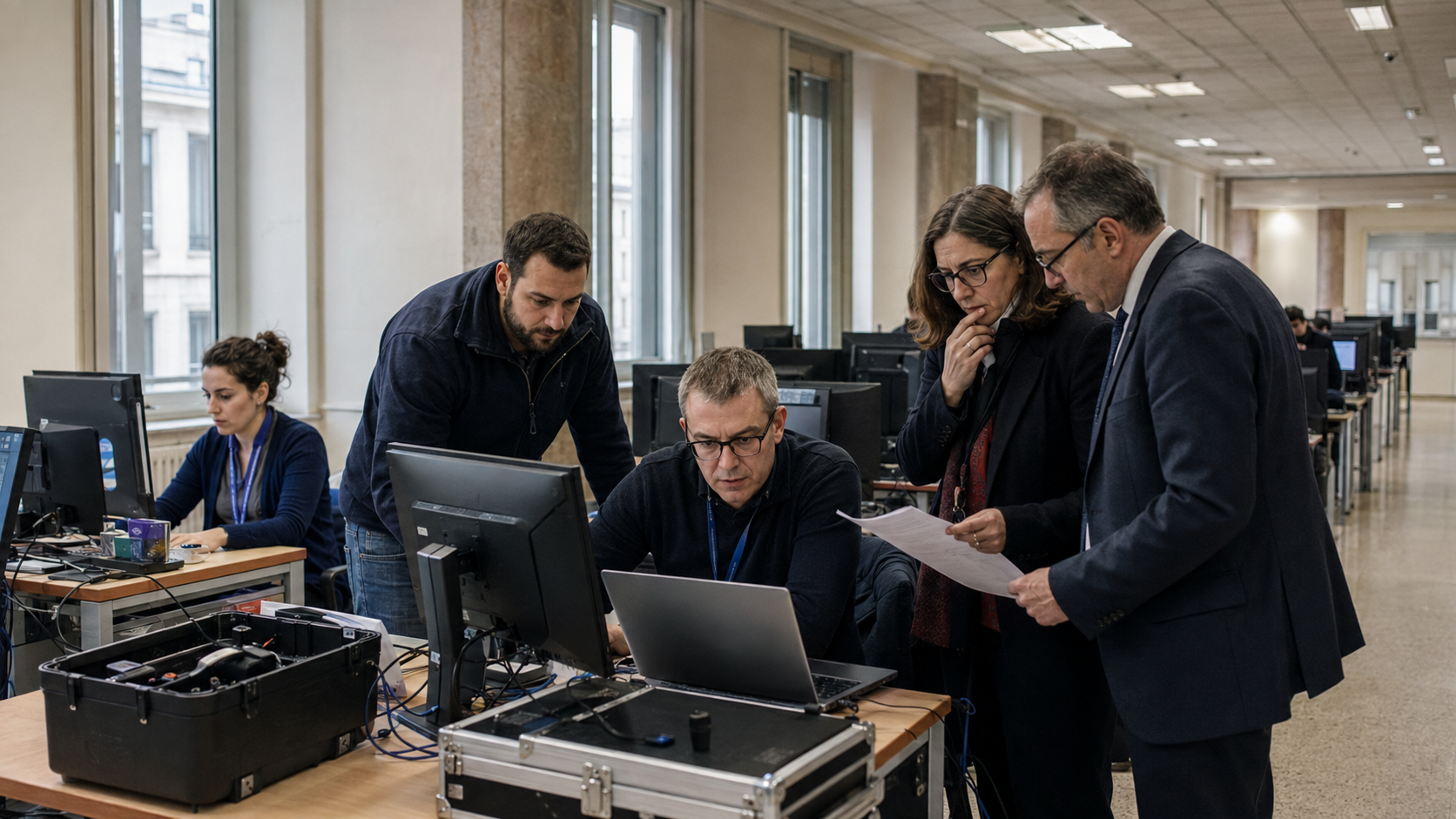
You can spend thousands on security software, but your biggest vulnerability is sitting at a desk, checking emails.
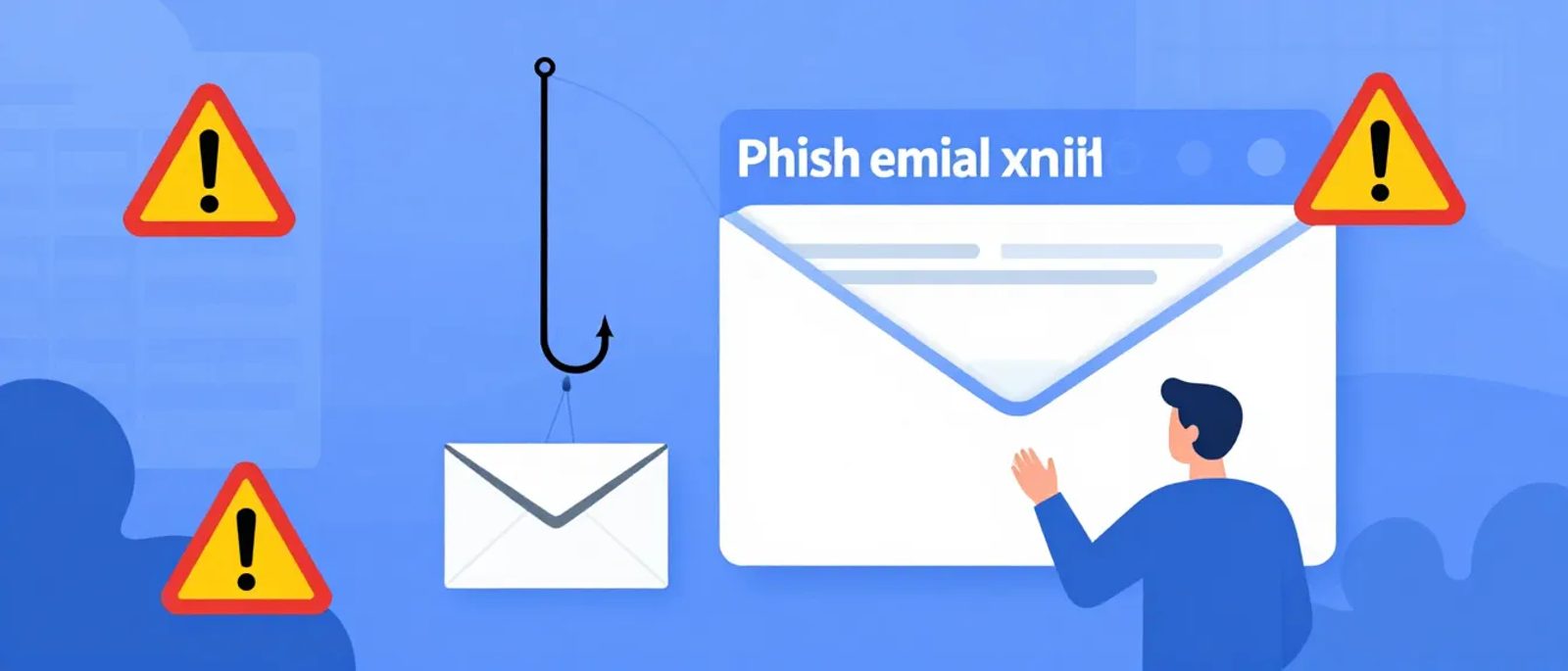
That's not a criticism—it's human nature. Phishing emails are specifically designed to bypass our critical thinking. They create urgency, impersonate trusted sources, and exploit our helpfulness.
The good news: simple training dramatically reduces click rates. Staff who know what to look for are your best defence.
What Staff Need to Know
The Five Warning Signs
Keep training simple. Teach staff to check for these five things:
1. Unexpected Requests
"When did I last get an email like this from this person?" If the boss has never emailed asking for gift cards before, this isn't the time to start.
2. Urgency and Pressure
"Do this now or something bad will happen!" Real business rarely requires instant action. If an email demands immediate response, slow down.
3. Suspicious Sender
Is it really from who it says? Check the actual email address, not just the display name. "Microsoft Support <billing@microsft-support.xyz>" is not Microsoft.
4. Strange Links
Hover before you click. Does the link go where it claims? "www.paypal.com" vs "www.paypa1.com" or "paypal.security-update.com"
5. Too Good or Too Bad
You've won something you didn't enter. Your account is suspended for something you didn't do. Extreme outcomes are manipulation tactics.
The Golden Rule
When in doubt, verify through a different channel.
Got an email from your bank about suspicious activity? Don't click the link—open your banking app or call the number on your card.
Boss asking you to wire money urgently? Walk over to their office. Or call their mobile.
Supplier saying their bank details have changed? Phone them on a number you already have, not one in the email.
Running a Training Session
You don't need expensive consultants. A 30-minute team session covers the essentials.
Session Outline (30 Minutes)
Minutes 1-5: Why This Matters
Share real examples of businesses hit by phishing. The emotional reality is more memorable than statistics.
Minutes 5-15: The Five Warning Signs
Go through each sign with real examples. Use screenshots of actual phishing emails (redacted as needed).
Minutes 15-25: Interactive Examples
Show 5-10 emails (mix of real phishing and legitimate). Ask staff to identify which are suspicious and why. Discuss as a group.
Minutes 25-30: What To Do
Clear instructions:
1. Don't click anything suspicious
2. Report to [designated person/email]
3. If you did click something, report immediately (no blame)
4. When in doubt, verify through a different channel
Sample Phishing Examples to Use
Example 1: Fake Microsoft 365 Alert
```
From: Microsoft 365 Team <no-reply@microsoft.mail-notifications.com>
Subject: Urgent: Your Mailbox Is Almost Full
Your mailbox has reached 98% capacity. Click here to
upgrade your storage immediately or risk losing emails.
[Upgrade Now]
```
Red flags: Third-party domain, urgency, fear of loss
Example 2: CEO Fraud
```
From: James Wilson <james.w@company-mail.com>
Subject: Quick favour needed
Hi Sarah,
Are you at your desk? I need you to help me with
something urgently but I'm stuck in a meeting.
James
(Sent from my iPhone)
```
Red flags: Wrong domain, urgency, unusual request pattern
Example 3: Supplier Payment Change
```
From: accounts@suppliername.com
Subject: Updated Banking Details
Please note our banking details have changed effective
immediately. All future payments should be sent to:
Bank: Metro Bank
Account: 12345678
Sort Code: 00-00-00
Please update your records accordingly.
```
Red flags: Banking changes via email, no verification method mentioned
Testing Your Team (Simulated Phishing)
The best way to know if training worked is to test it. Simulated phishing sends fake phishing emails to your staff to see who clicks.
DIY Approach
For very small teams, you can run basic tests yourself:
1. Create a test email that looks like phishing
2. Send from a new email address you control
3. Use a link to a harmless page you own
4. Track who clicks
5. Follow up with education
Important: Tell management what you're doing. Getting buy-in prevents accusations of "tricking" staff.
Dedicated Platforms
For easier, more sophisticated testing:
KnowBe4 - From £12/user/year
- Huge template library
- Automated campaigns
- Training modules included
- Detailed reporting
Proofpoint Security Awareness - Custom pricing
- Enterprise-focused
- Advanced analytics
- Integration with email security
Cofense PhishMe - Custom pricing
- Strong reporting
- User-reported phishing analysis
- Good for larger teams
GoPhish - Free (self-hosted)
- Open source
- Full-featured
- Requires technical setup
Hoxhunt - From £3/user/month
- Gamified approach
- Personalised difficulty
- Good engagement rates
Running a Simulated Campaign
Month 1: Baseline
- Send first simulation without warning
- Measure click rate (expect 20-30% initially)
- Don't name and shame—focus on learning
Month 2: Training + Second Test
- Run training session
- Send second simulation 2-3 weeks later
- Measure improvement
Ongoing: Quarterly Tests
- Different scenarios each time
- Track trends over time
- Celebrate improvements
- Additional training for repeat clickers
What Click Rates to Expect
| Stage | Typical Click Rate | Target |
|---|---|---|
| Baseline (no training) | 20-30% | - |
| After initial training | 10-15% | Below 15% |
| After 6 months | 5-10% | Below 10% |
| Mature programme | 2-5% | Below 5% |
You'll never reach zero—even security professionals occasionally click. The goal is improvement, not perfection.
Creating a Reporting Culture
Make Reporting Easy
The harder it is to report, the less people will do it.
Option 1: Email alias
Create phishing@yourcompany.com (or suspicious@, report@). Staff forward suspicious emails there.
Option 2: Button in email client
Microsoft and Google both support "Report Phishing" buttons. Enable them.
Option 3: Teams/Slack channel
A dedicated channel for security concerns where staff can ask "Is this real?"
Responding to Reports
1. Acknowledge quickly: "Thanks for reporting this. We're looking into it."
2. Investigate: Is it actually phishing? Has anyone else received it?
3. Update the reporter: "This was phishing. Good catch!" or "This one's legitimate, but better safe than sorry."
4. Share learning: If it's a good example, share (anonymised) with the team.
The No-Blame Policy
This is critical: Staff must feel safe reporting that they clicked something.
If clicking a phishing link results in punishment, people will hide their mistakes. Hidden mistakes become bigger problems.
The message should be: "If you clicked something suspicious, tell us immediately. The faster we know, the faster we can protect everyone. You won't be in trouble."
When Someone Clicks
Immediate Steps (First 15 Minutes)
1. Don't panic: Fast action matters more than panic
2. Disconnect from network: If they entered credentials, limit damage spread
3. Change passwords: For the affected account AND any accounts using the same password
4. Check for damage: What did they enter? What might have been downloaded?
5. Report internally: IT/management need to know
If Credentials Were Entered
- Change the password immediately
- Enable MFA if not already on
- Check recent account activity for unauthorised access
- Review connected apps and remove suspicious ones
- If email account: check rules for auto-forwarding or deletions
- If banking: call the bank immediately
If Something Was Downloaded
- Disconnect the device from the network
- Don't turn it off (preserves evidence)
- Run malware scan from a bootable USB if possible
- Consider professional incident response for serious cases
- May need to wipe and rebuild the device
After the Incident
- Document what happened
- Identify how it got through existing filters
- Use the incident for training (with the affected person's permission)
- Review similar emails for other recipients
- Update filters to catch similar attempts
Building Long-Term Awareness
Regular Reminders
Training isn't one-and-done. Reinforce regularly:
Weekly: Brief mention in team meetings during high-risk periods (holiday shopping, tax season)
Monthly: Share an example of a real phishing email your company received
Quarterly: Simulated phishing test
Annually: Full refresher training session
Make It Relevant
Generic training gets forgotten. Make it specific to your business:
- If you use Xero, show what fake Xero phishing looks like
- If you deal with HMRC, show fake tax authority emails
- If you have suppliers, show fake invoice scams
- If you're in an industry (legal, healthcare, etc.), show sector-specific threats
Recognise Good Catches
Publicly praise staff who report phishing attempts:
- "Sarah spotted a convincing phishing email yesterday—well done!"
- Small rewards for good catches (coffee voucher, etc.)
- Track and celebrate team improvements
Training Content Ideas
Quick Wins (5 Minutes)
- Show one example email, discuss red flags
- Quiz: "Real or Phishing?" with one example
- Reminder of reporting procedure
Monthly Deep-Dive (15 Minutes)
- Focus on one attack type (CEO fraud, invoice scams, etc.)
- Real examples specific to your industry
- Q&A from staff
Annual Comprehensive (45-60 Minutes)
- Review of all attack types
- Statistics from the past year (click rates, near misses)
- Updated procedures
- Interactive exercises
- Discussion of new threats
Measuring Success
Key Metrics to Track
| Metric | What It Tells You | Target |
|---|---|---|
| Simulation click rate | Staff vigilance | Decreasing over time |
| Report rate | Reporting culture health | Increasing over time |
| Time to report | Speed of response | Under 24 hours |
| Repeat clickers | Training effectiveness | Decreasing |
| Real incident count | Overall security posture | Stable or decreasing |
Reporting to Leadership
- Quarterly summary of simulation results
- Comparison to industry benchmarks
- Notable incidents and near-misses
- Recommendations for improvement
Your Phishing Programme Checklist
Getting Started
- [ ] Decide who will own the training programme
- [ ] Create reporting email/channel
- [ ] Prepare first training session content
- [ ] Get management buy-in for simulated testing
Month One
- [ ] Run baseline simulation (before training)
- [ ] Deliver first training session
- [ ] Establish no-blame reporting policy
- [ ] Run post-training simulation
Ongoing
- [ ] Quarterly simulation campaigns
- [ ] Monthly example shares or brief reminders
- [ ] Annual comprehensive refresh
- [ ] Track and report metrics
- [ ] Celebrate improvements and good catches
Starting This Week
Day 1: Set up phishing@yourcompany.com or equivalent
Day 2: Collect 5 examples of phishing emails (real ones you've received)
Day 3: Prepare a simple 30-minute training session
Day 4: Schedule the training
Day 5: Consider a simulated phishing platform trial
Your staff want to do the right thing—they just need to know what to look for. Teach them, test them, support them, and you'll have the most effective security system money can't buy: a team that thinks before they click.