
What Digital Transformation Actually Means
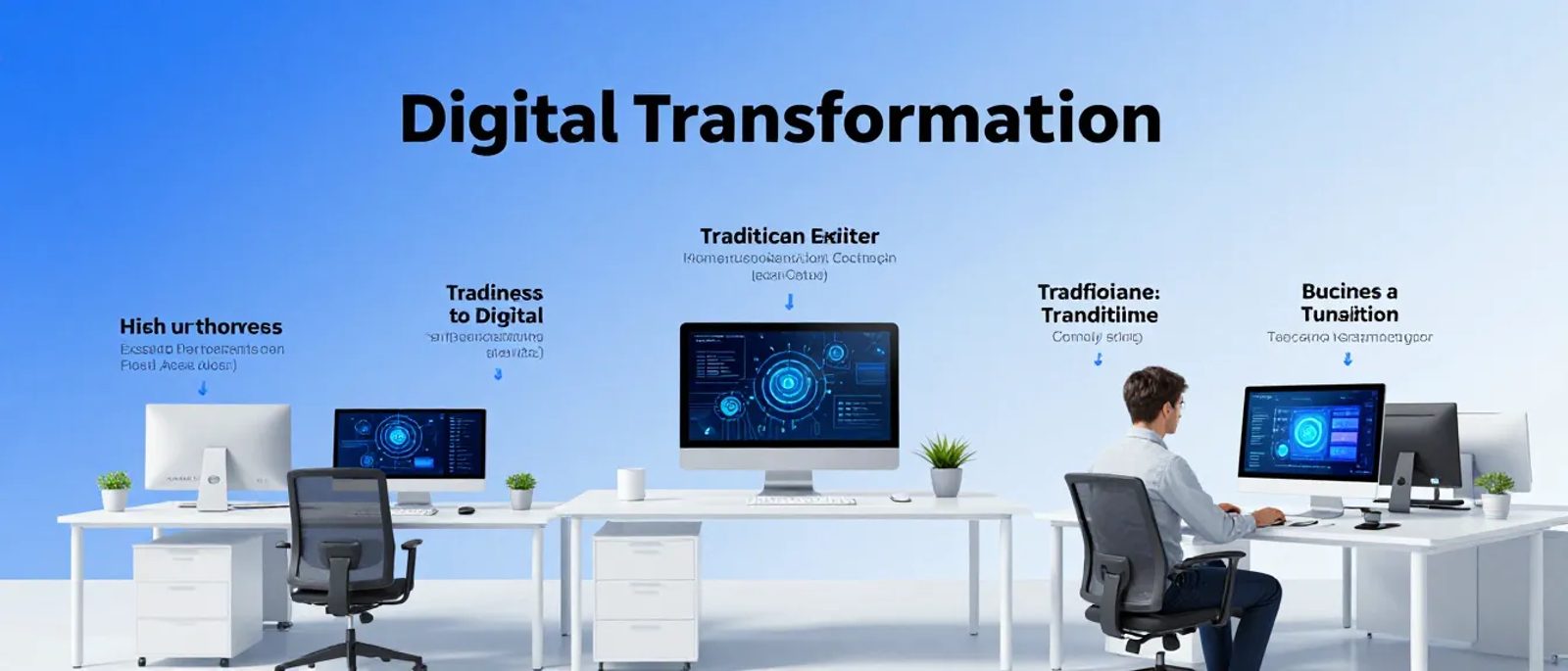
Let's cut through the buzzwords. Digital transformation simply means using technology to change how your business operates.
That could be as simple as:
- Moving from paper files to digital files
- Taking card payments instead of cash only
- Using online booking instead of phone calls
- Emailing invoices instead of posting them
It's not about robots or artificial intelligence (though it can include those). It's about using digital tools to work better.
According to the UK government's Digital Economy Council, businesses that embrace digital technologies are 26% more profitable than those that don't. But most small businesses don't need a grand "transformation" —they need practical improvements.
Why It Matters for Small Businesses
Customer expectations have changed
People expect to book appointments online, pay by card, receive digital receipts, and communicate via email or messaging. Businesses that can't do these things lose customers to those that can.
Competitors are doing it
Even in traditional industries, competitors are going digital. The ones using better technology can often offer faster service, lower prices, or better customer experience.
It saves time and money
Digital tools often cost less than the manual processes they replace. Once set up, they run automatically. A £10/month tool might replace hours of manual work.
It helps you scale
Manual processes hit limits. Digital processes can handle growth. If you want your business to grow, you need systems that can grow with it.
According to the Federation of Small Businesses, 83% of UK small businesses increased their use of technology since 2020, and most report positive results.
The Building Blocks: Where to Focus
Digital transformation for small businesses typically involves these areas:
1. Customer-Facing Technology
This is what customers see and interact with:
Website
A professional website that works on phones and clearly explains what you do. According to GoDaddy's 2024 survey, 63% of UK consumers expect every business to have a website.
Online booking
Let customers book appointments themselves instead of phoning. Tools like Calendly, Square Appointments, or Fresha (for salons) make this easy.
Digital payments
Card readers, online payments, contactless—customers expect choice. According to UK Finance, cash now accounts for only 14% of all payments.
Online presence
Google Business Profile (so you appear in local searches), social media, review management. Being findable matters.
2. Operations and Internal Processes
This is how your business runs day-to-day:
Cloud storage
Files accessible from anywhere, automatically backed up. Microsoft 365 or Google Workspace provides this.
Digital accounting
Xero, QuickBooks, or FreeAgent instead of spreadsheets or paper. Digital invoices, bank feeds, easier tax returns.
Project/task management
Tracking what needs doing, who's doing it, what's complete. Tools like Asana, Trello, or Monday.com.
Communication
Email, team messaging (Slack/Teams), video calls. Being able to work and communicate from anywhere.
3. Data and Decision-Making
Using information to make better choices:
Customer data
Knowing who your customers are, what they buy, when they bought last. A simple CRM or even a spreadsheet beats trying to remember.
Sales data
Tracking what sells, when, and to whom. Most point-of-sale systems and accounting software provide this.
Reporting
Dashboards and reports that show how the business is performing without manual spreadsheet work.
4. Marketing and Sales
Reaching and converting customers:
Email marketing
Tools like Mailchimp to send newsletters and promotions to your customer list.
Social media
Managing presence on platforms where your customers spend time.
Online advertising
Google Ads, Facebook Ads to reach new customers. Measurable and adjustable in real-time.
How to Approach It Practically
Start With Pain Points
Don't digitise everything at once. Start with what's causing problems:
- What takes the most time?
- What frustrates customers?
- What leads to mistakes?
- What stops you from growing?
Address these first. Digital transformation should solve real problems, not create new technology to learn.
One Thing at a Time
Pick one area. Implement it properly. Get comfortable with it. Then move to the next.
Trying to change everything simultaneously is overwhelming and usually fails. According to research by Deloitte, 70% of digital transformation initiatives fail, usually because they try to do too much too fast.
Budget Realistically
Good news: digital tools for small businesses are cheaper than ever. Here's what realistic spending looks like:
Minimal digital setup (1-person business):
- Cloud email and storage: £5-10/month
- Basic website: £100-300/year
- Digital payments: Pay-per-transaction
- Accounting software: £12-15/month
- Total: £30-50/month
Standard small business setup (5-10 people):
- Cloud productivity suite: £25-50/month
- Website and hosting: £200-500/year
- Accounting: £25-40/month
- CRM or project management: £20-50/month
- Various subscriptions: £30-50/month
- Total: £150-250/month
Compare this to hiring someone to handle these things manually, and digital tools are almost always cheaper.
Involve Your Team
Digital transformation fails when it's imposed without buy-in. Involve your team:
- Explain why changes are happening
- Get input on what's not working
- Provide training, not just new tools
- Allow time to learn and adjust
- Listen to feedback and adapt
People resist change they don't understand. They embrace change that makes their work easier.
Measure Progress
How do you know if digital transformation is working? Track things like:
- Time saved on specific tasks
- Customer complaints related to processes
- Revenue or transactions through new channels
- Employee satisfaction with tools
- Error rates in key processes
Without measurement, you can't tell if changes are helping.
Common Mistakes to Avoid
Technology for technology's sake
Adopting tools because they're new, not because they solve problems. Always start with the problem, then find the solution.
Expecting instant results
Digital tools take time to implement and learn. Budget weeks or months, not days, for real change.
Neglecting training
Buying software and expecting people to figure it out leads to poor adoption and frustration.
Ignoring security
As you go digital, you need to protect digital assets. Strong passwords, two-factor authentication, backup strategies.
Doing everything yourself
Know when to get help. A few hours of professional setup can save weeks of frustration.
Stopping too early
Digital transformation isn't a project with an end date. It's ongoing improvement. Technology keeps evolving, and so should your use of it.
A Sensible 12-Month Plan
Months 1-3: Foundation
- Cloud email and file storage
- Basic cybersecurity (passwords, two-factor)
- Digital accounting if not already in place
- Assess other pain points
Months 4-6: Customer-Facing
- Website improvements or creation
- Online booking (if applicable)
- Modern payment options
- Google Business Profile setup
Months 7-9: Operations
- Project/task management tool
- Process documentation
- Team communication tool
- First automation attempts
Months 10-12: Optimisation
- Review and adjust all systems
- Basic data analysis and reporting
- Plan next improvements
- Document what's working
This isn't fast, but it's sustainable. Trying to do all of this in one month usually fails.
Signs Your Business Needs Digital Transformation
- You're losing customers to more digitally capable competitors
- Manual processes take so much time you can't focus on growth
- Information is stored in people's heads, not accessible systems
- Customer complaints often relate to slow or difficult processes
- You can't work effectively unless you're physically in one location
- Growing the business would mean proportionally growing admin work
- You're using tools that feel outdated compared to what's available
The Bottom Line
Digital transformation is just a fancy term for using technology to work smarter. For small businesses, it doesn't need to be complicated or expensive.
Start with problems, not solutions. Pick one thing to improve. Implement it properly. Then move to the next.
The businesses that thrive aren't necessarily the most technologically advanced. They're the ones that use technology thoughtfully to serve customers better and operate more efficiently.
You don't need to transform overnight. You need to keep improving, one practical step at a time. That's digital transformation that actually works.